Best Image Background Remover Tools in 2026
Compare the best image background remover tools for product photos, portraits, social media images, and transparent PNG exports.
By Remove.Services Editorial
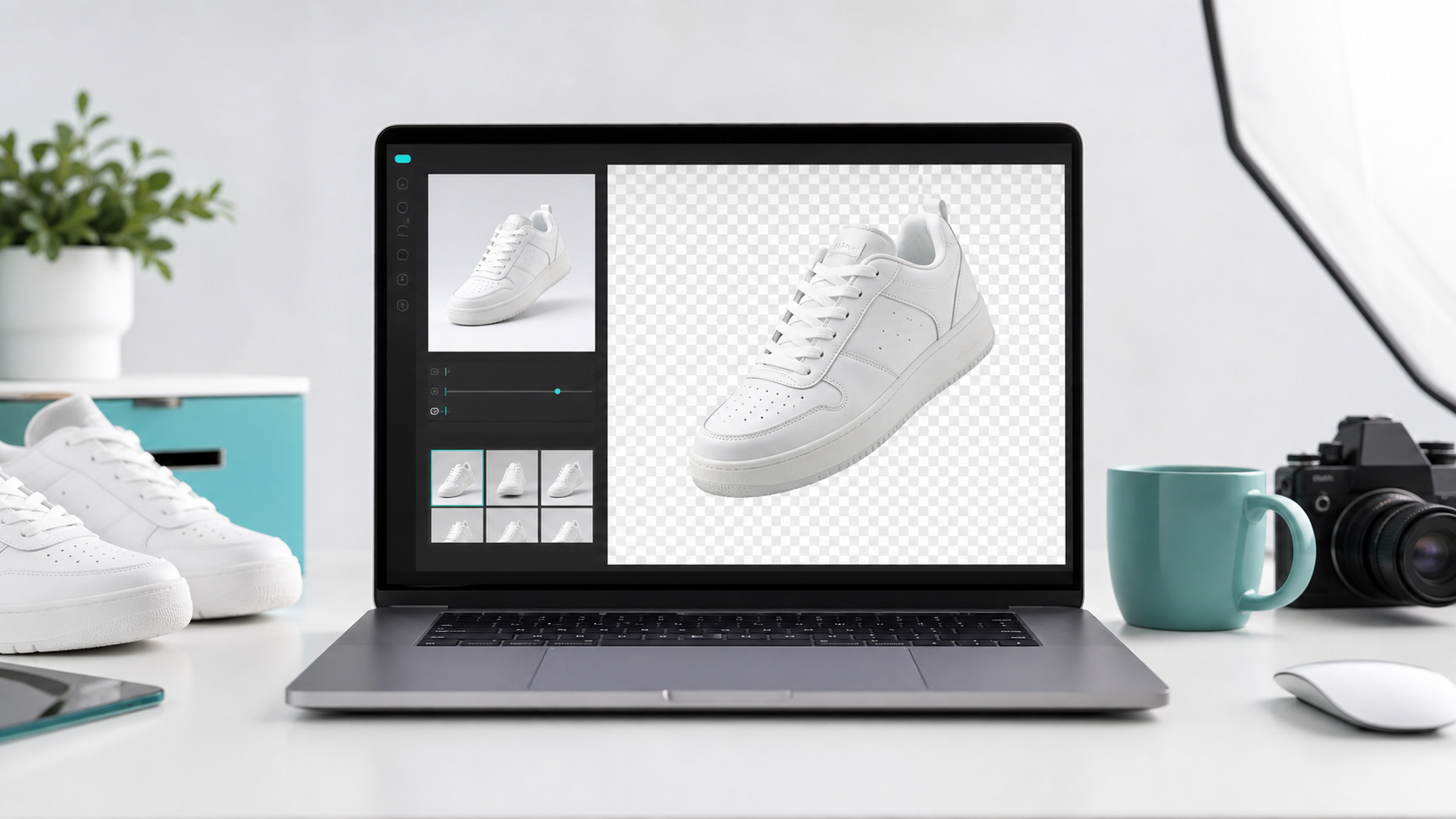
Removing an image background used to mean opening professional editing software, tracing around the subject, refining edges, and exporting the file by hand. Today, AI background remover tools can do most of that work in seconds.
The best tool depends on what you need. A seller preparing product photos may care about clean white backgrounds and batch editing. A creator may want fast transparent PNG exports. A developer may need an API. A designer may prefer a full editor where they can continue editing after the background is removed.
This guide compares some of the best image background remover tools in 2026 and explains which one is best for each use case.
Quick Comparison
- Remove.Services: simple online background removal with one-time credits and transparent PNG output.
- remove.bg: high-quality automated background removal and API workflows.
- Adobe Express: quick edits for users already working in the Adobe ecosystem.
- Canva Background Remover: design workflows, social posts, presentations, and templates.
- Photoroom: ecommerce sellers and product image workflows.
- Pixelcut: product photos and social commerce visuals.
- Fotor: general online photo editing with background removal included.
- Clipdrop: creative AI image editing workflows beyond basic cutouts.
1. Remove.Services
Best for: fast transparent PNG exports and simple one-time credit purchases.
Remove.Services is an online AI image background remover built for users who want a simple upload, process, and download workflow. You upload a JPG, PNG, or WebP image, remove the background, and download a transparent PNG.
- Product photos
- Profile pictures
- Marketplace listings
- Social media images
- Simple transparent PNG cutouts
The main advantage is simplicity. You do not need a full design suite if your goal is only to remove a background and download the result. Remove.Services also uses one-time credit packs, which can be useful for users who do not want another monthly subscription.
Best use case: small sellers, creators, and users who need occasional background removal without a complex editor.
2. remove.bg
Best for: high-quality automated background removal and API workflows.
remove.bg is one of the most well-known background remover tools. It is widely used because of its accurate subject detection, especially for people, products, cars, animals, and objects.
It also offers an API, which makes it useful for developers and businesses that need to integrate background removal into their own workflow. According to its API documentation, background removal can be handled through a single API call.
- Strong background removal quality
- Mature API
- Good for automation
- Suitable for high-volume workflows
Possible downside: pricing may be more than casual users need, and some users may prefer simpler one-time credit options.
Best use case: businesses, developers, and users who need reliable background removal at scale.
3. Adobe Express Background Remover
Best for: users who want a free background remover and simple design editing.
Adobe Express offers a free online background remover. You upload an image, Adobe detects the subject, removes the background, and lets you download a PNG with transparency.
It is useful if you already work with Adobe tools or want to keep editing after removing the background. You can use the cutout in social graphics, flyers, presentations, or other designs.
- Easy to use
- Works in the browser
- Good for quick edits
- Integrates naturally with Adobe's design ecosystem
Possible downside: it is less focused on pure batch ecommerce workflows, and some advanced editing features may require Adobe account features or plans.
Best use case: creators, marketers, and small business owners who want a quick background remover plus design tools.
4. Canva Background Remover
Best for: creating designs after removing the background.
Canva is a strong option if background removal is only one step in a larger design workflow. You can upload an image, remove the background, and place the subject into a social post, ad, presentation, poster, or ecommerce graphic.
Canva is especially useful for non-designers because the editor is simple and template-driven.
- Great for social media and marketing designs
- Easy drag-and-drop editor
- Many templates
- Good for users already working inside Canva
Possible downside: background removal is most useful inside Canva's design ecosystem, and it is not always the best choice if you only want a quick transparent PNG.
Best use case: social media creators, marketers, and teams that already use Canva.
5. Photoroom
Best for: ecommerce product images and marketplace sellers.
Photoroom focuses heavily on product photography. It can remove image backgrounds, replace backgrounds, generate product scenes, and help sellers create more consistent product visuals.
This makes it a strong option for sellers on platforms like Shopify, Etsy, Amazon, eBay, and social commerce marketplaces.
- Strong ecommerce focus
- Product photo workflows
- Background replacement options
- Supports multiple export formats
Possible downside: it may include more features than some casual users need, and users who only need occasional cutouts may prefer a simpler tool.
Best use case: ecommerce sellers, marketplace teams, and brands that need consistent product photos.
6. Pixelcut
Best for: ecommerce sellers and quick product visuals.
Pixelcut is another popular AI photo editing tool for product images, social content, and online selling. It is often used for background removal, product photo cleanup, and creating polished images for online stores.
- Product-photo oriented
- Good for creators and sellers
- Useful mobile workflow
Possible downside: some users may prefer desktop-first tools, and pricing or feature limits can vary by plan.
Best use case: small ecommerce sellers and content creators who work heavily from mobile.
7. Fotor
Best for: general photo editing plus background removal.
Fotor is a broader online photo editing platform. Background removal is one feature among many, including filters, retouching, templates, and design tools.
- General-purpose image editor
- Useful if you need more than background removal
- Beginner-friendly
Possible downside: it is not as specialized for pure cutout workflows and may feel heavier if you only need transparent PNG exports.
Best use case: users who want a general photo editor with background removal included.
8. Clipdrop
Best for: creative AI image editing workflows.
Clipdrop offers several AI-powered image tools, including background removal and cleanup features. It is useful for creative users who want to experiment with AI editing beyond simple background removal.
- Multiple AI image tools
- Good for creative workflows
- Useful for designers and content creators
Possible downside: it is not always the simplest option for basic product cutouts, and the best value comes when you use multiple AI tools.
Best use case: creators and designers who want background removal plus other AI image editing tools.
How to Choose the Best Background Remover
Choose based on your actual workflow. If you only need a fast transparent PNG, use a simple online tool like Remove.Services. If you need API automation, remove.bg is a strong option.
If you want to design social posts after removing the background, Canva or Adobe Express may be better. If you sell products online and need consistent product photos, Photoroom or Pixelcut may fit better. If you need a general image editor, Fotor is worth considering.
What Makes a Good Background Remover?
- Accurate subject detection
- Clean edges around hair, hands, products, and transparent objects
- Fast processing
- Transparent PNG export
- Support for common file types like JPG, PNG, and WebP
- Clear pricing
- A workflow that matches your use case
For ecommerce, consistency matters as much as accuracy. A clean background helps products look more professional and easier to compare.
For creators, speed matters. You may only need a quick transparent PNG for a thumbnail, profile image, or social post. For developers, API quality and pricing matter most.
Final Recommendation
There is no single best background remover for everyone. Use Remove.Services if you want a simple online background remover with transparent PNG downloads and one-time credit packs.
Use remove.bg if you need a mature background removal API or high-volume automation. Use Canva or Adobe Express if you want to continue designing after background removal. Use Photoroom or Pixelcut if your main goal is ecommerce product photography.
The best tool is the one that fits your workflow with the least friction. If you want a simple way to remove a background from an image online, try Remove.Services and download a transparent PNG in seconds.
Remove Your Image Background in Seconds
Upload an image and create a clean, transparent background with Remove.Services.
Try Background Remover